Report schedules are collections of the same schedule over time and form the foundation for gaining invaluable planning insights. This article shows administrators how to create a Report schedule. Do you first want to read more about what Report schedules are? Read this article: Report Schedules
How to create a report schedule
Click "New"
On the Report schedules page, click the "New" button in the top right.
 \
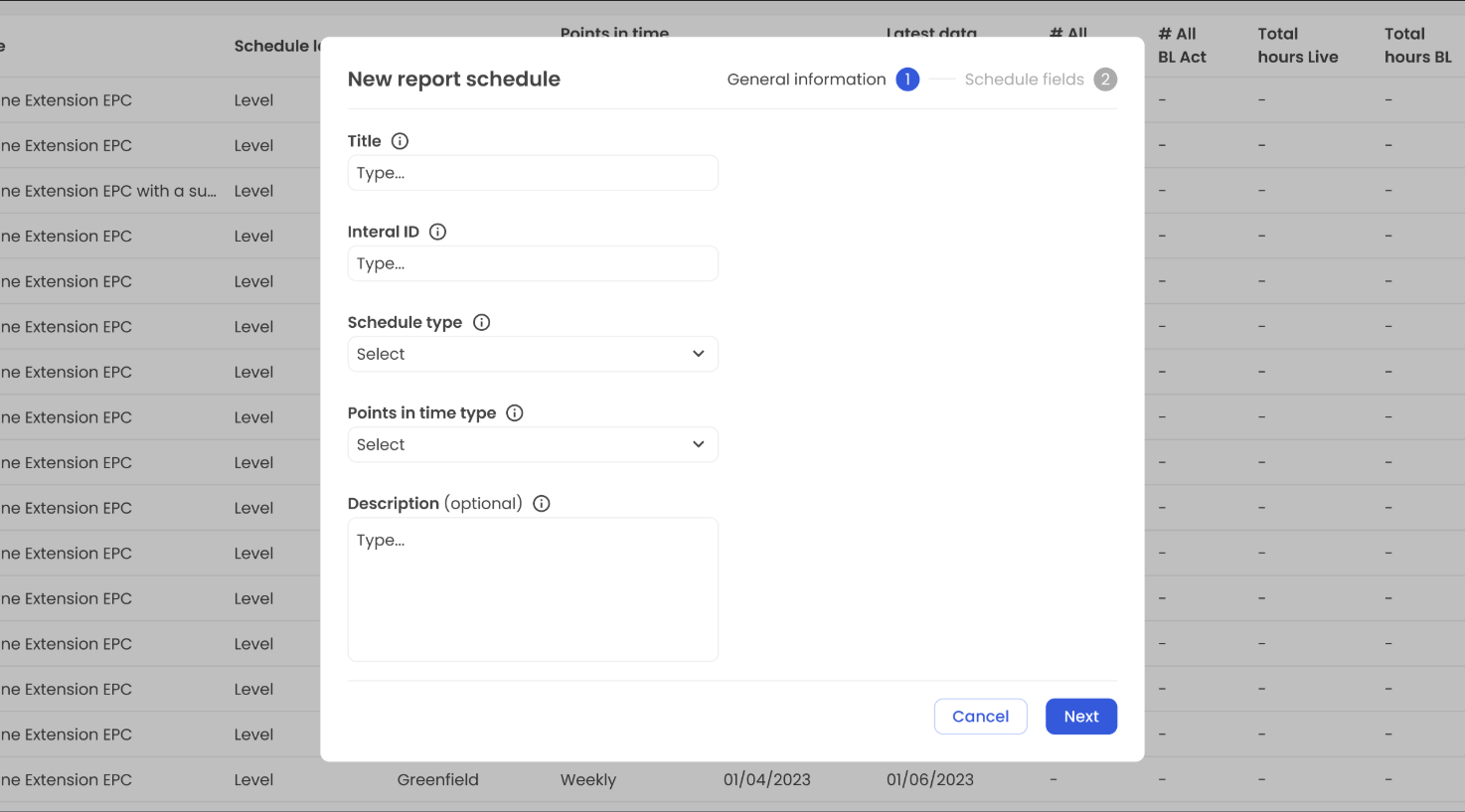
\Input General Information
Fill in the fields in the modal. For more information about the fields, click on the “i” icon next to the field title. All fields are required, unless it is stated that the field is optional (such as the description in this step). Depending on the Schedule type that is selected in this step, more fields are required in the next step.
\Add Schedule Fields (if available)
Most Schedule types include fields for meta information about the specific schedule. If no fields appear, you can proceed to create the Report schedule.
 \
\Click "Create"
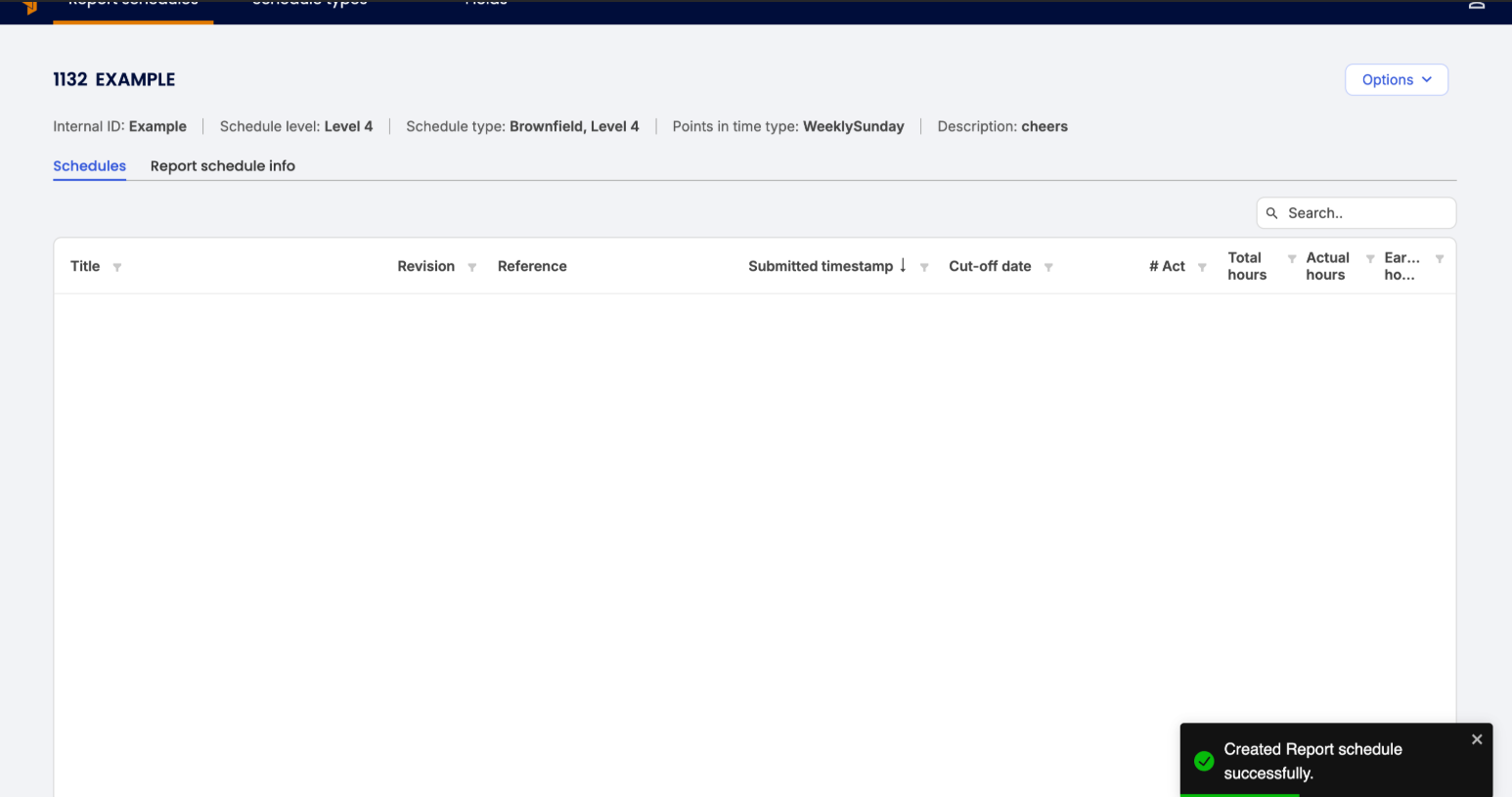
Your new Report schedule will now be available from the Report Schedules page and ready to receive schedules. To view the Schedule fields from step 3, click “Options” → “View details” in the top right.
Was this article helpful?
That’s Great!
Thank you for your feedback
Sorry! We couldn't be helpful
Thank you for your feedback
Feedback sent
We appreciate your effort and will try to fix the article